Mini Lead Scorer
Upload a CSV, tweak HubSpot-style scoring rules, and save your config in the browser.
email,title,company,industry,page_path,last_event,country,employee_count,utm_source,visits,days_since_last_visit
1) Use the Template
- Download the template CSV.
- Paste your leads (one row per lead).
- Save as UTF-8 CSV and upload here.
2) File Status
3) Scoreboard Preview
Results
| # | Title | Company | Score | Band | Reasons |
|---|
Super Easy CRM's free lead scoring tool is built to help you quickly figure out which leads are worth your time and which ones can wait. No complicated setup, no learning curve—just drop in your data, set your scoring rules, and let the tool highlight the hot prospects so you can close more deals without spinning your wheels.
How To Use Super Easy CRM's Free Leading Scoring Tool
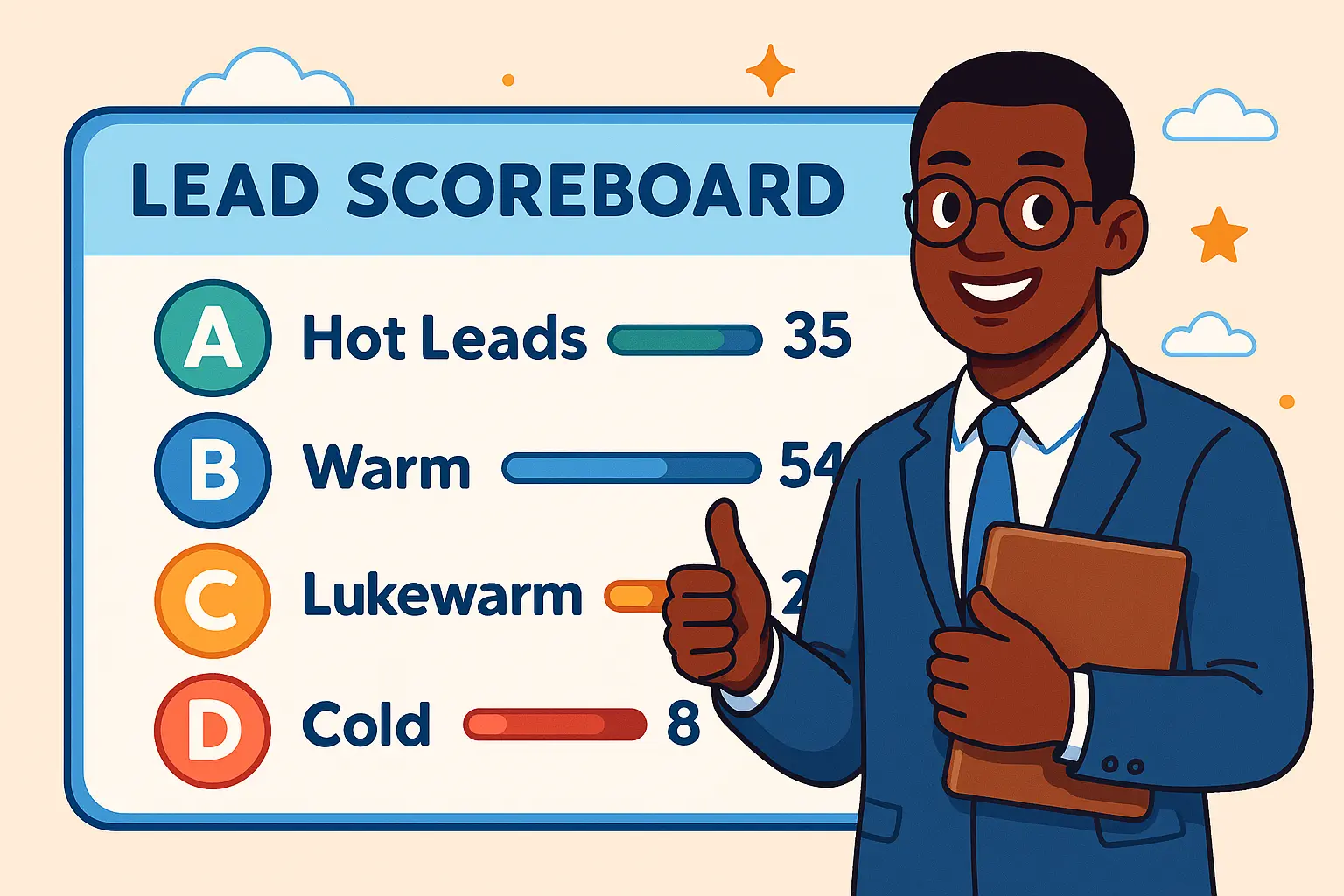
Start by gathering your lead data in a spreadsheet (Google Sheets or Excel works great). Make sure you’ve got the columns listed below. Once your file is ready, upload it into the tool, choose your scoring rules, and hit “Score Now” to instantly see which leads are hot, warm, or cold.
- Click the “Upload” button and select your CSV file containing your leads.
- Set your scoring rules based on the columns you want to prioritize.
- Press “Score Now” to instantly see scores for each lead.
- Download the updated CSV with scores and priority flags for quick follow-up.
What Each Column Means
- Lead Source – Where the lead came from (Google Ads, referral, website form, walk-in).
- Page Path / Service – Which page or service the lead interacted with before contacting you.
- Number of Interactions – How many times you’ve connected with the lead (calls, emails, visits).
- Last Contact Date – The most recent time you spoke or emailed with them.
- Quote Given – Whether you’ve sent them an official quote or proposal.
Tips For Using It Efficiently
- Keep your lead list clean—remove duplicates and outdated info before uploading.
- Prioritize high-intent services or pages with higher point values.
- Update your scoring rules monthly to match seasonal trends or new campaigns.
- Use the “Hot” leads list first thing each day to make your follow-up calls.
- Export your scored leads and share them with your sales team so everyone stays focused.
Frequently Asked Questions
What exactly is lead scoring?
Lead scoring is a way to rank your potential customers so you know which ones are most likely to buy from you. Instead of treating every lead the same, you assign points based on their actions, interest level, and how closely they match your ideal customer profile. The higher the score, the hotter the lead.
Do I need a CRM to use this tool?
Nope. While it integrates beautifully with CRM data, you can run this tool entirely from a spreadsheet. That means even if you’re just starting out, you can upload your list of leads and get scoring insights right away. Later, you can plug this process into your CRM to make it automatic.
What’s the difference between “Lead Source” and “Page Path”?
Lead Source is where they came from—think “Google Ads” or “Referral.” Page Path or Service is what they were looking at before they reached out to you. For example, if a lead came from Facebook Ads (Lead Source) but was browsing your Wedding Alterations page (Page Path), that’s a big buying signal for a dry cleaner specializing in formalwear.
How often should I update my scoring rules?
For most small businesses, reviewing and tweaking your scoring rules once a month is perfect. This lets you adjust for seasonal demand, new marketing campaigns, or service changes. If you notice a certain type of lead is closing faster, bump their score higher. If another source has stopped converting, drop its value.
What if all my leads look the same?
That’s actually a good sign—you’ve got consistent traffic. But if your scores aren’t showing any separation, it may be because you need to add more scoring criteria. For example, include “Number of Interactions” or “Quote Given” to differentiate high-intent leads from casual inquiries.
Can this work for walk-in businesses?
Absolutely. Even if someone walks into your store or office, you can log them in a spreadsheet and apply the same scoring logic. A walk-in who comes back for a second visit or requests a quote should score much higher than a casual inquiry.
How many columns should I track for small business use?
For most local service businesses under 50 employees, you only need 4–6 columns: Lead Source, Service, Number of Interactions, Last Contact Date, Quote Given, and optionally Potential Value. This keeps it easy to manage while still giving you enough data to make smart follow-up decisions.
Does lead scoring replace personal follow-up?
Not at all. Think of lead scoring as your daily cheat sheet for prioritizing your calls, emails, and visits. It’s not a substitute for building relationships—it’s a shortcut to knowing who to contact first.
How do I know if my scoring is accurate?
The best way is to compare your high-scoring leads to your actual sales results. If your “Hot” leads are consistently closing, your scoring system is spot-on. If not, tweak your point values or add new criteria until your top scores match your best customers.
Can I use this tool for repeat customers?
Yes. In fact, you might score repeat customers differently. For example, give them extra points for loyalty or deduct points if they only buy during deep discounts. This helps you identify who’s most profitable to target with your follow-up offers.
What’s the easiest way to get started if I’ve never scored leads before?
Start small. Pick 3–4 criteria that clearly indicate buying intent (like Service, Interactions, and Quote Given). Assign simple point values—like +10 for a quote request, +5 for a recent interaction, and +3 for visiting a high-value page. Run your first batch, see how the scores look, and adjust from there.
Should I include negative scoring?
Negative scoring can be useful. For example, deduct points if a lead hasn’t been contacted in 90 days or if their email bounces. This way, cold leads naturally fall to the bottom of your list.
How does this tool save me time compared to just looking at my list?
It’s about automation. Manually sorting leads by gut feeling takes time and often results in missed opportunities. This tool applies your rules instantly, highlighting the leads worth chasing today so you can spend more time talking to people instead of staring at spreadsheets.
Can I export my scored list back into my CRM?
Yes. After downloading the scored CSV, you can re-upload it into most CRM systems. Just make sure your CRM can match leads by a unique ID, email, or phone number so the scores attach to the right records.
More Tools To Strengthen Your CRM Game Await!
If you found our free lead scorer tool helpful be sure to bookmark it and share it a colleague. At Super Easy CRM, we build tools that keep you productive without smashing your budget. Our site is jam packed with tons of free tools that'll help you close more deals, retain customers, and keep cash flowing into your bank account. If you're looking for an inexpensive way to use bots to automate processes like data entry, scheduling and more check out our article on when to use Power Automate Desktop vs Web.
For those looking to clean their CRM data to filter out the noise that's cluttering your workflow, we've built a free data cleaning tool Jet Purge. Once you've got your CRM cleaned, its time to keep it that way! Follow our CRM maintenance plan to keep your CRM and business in fighting shape year round.
