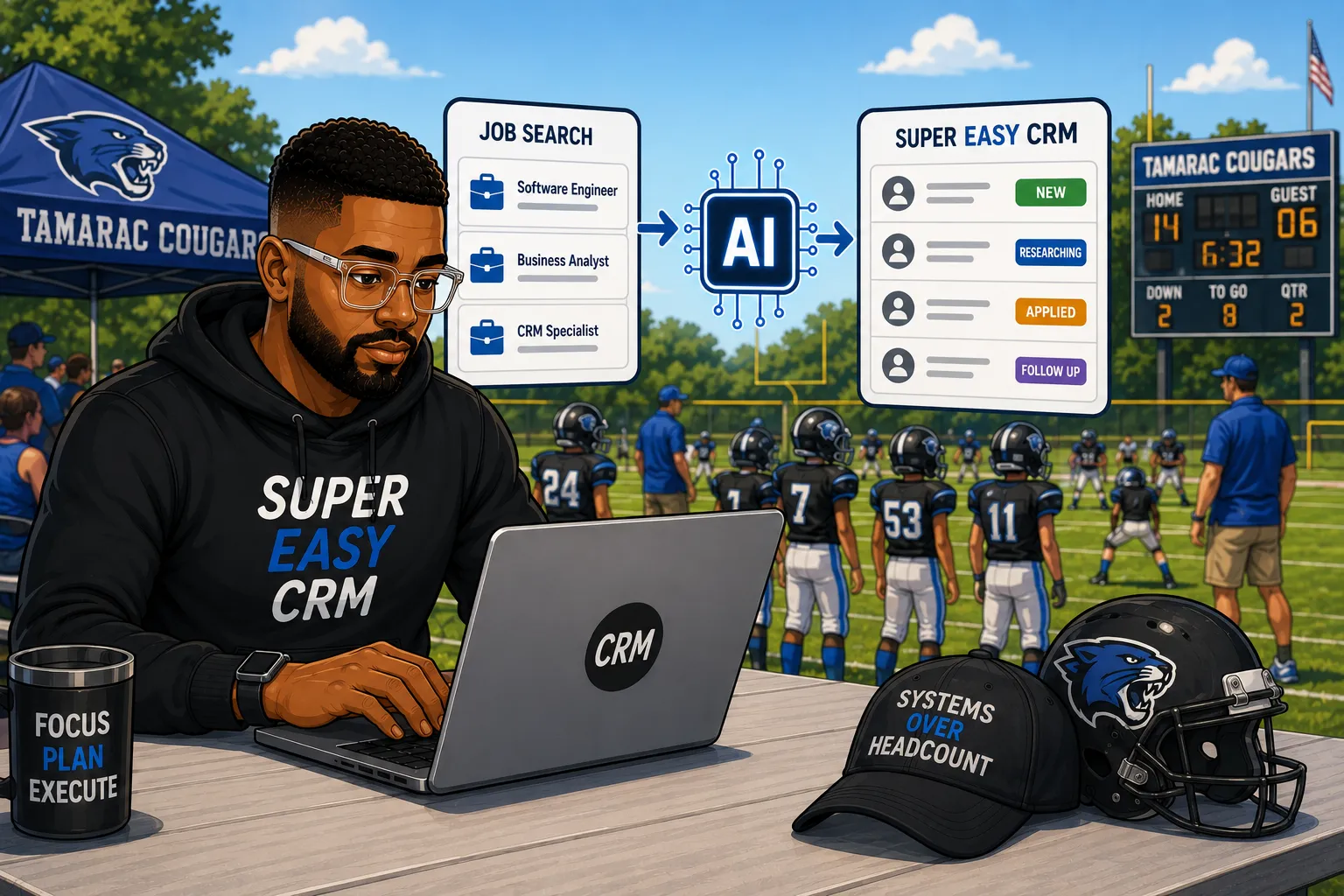
Like many of you reading, I've gone through hell in pursuit of a new gig. I've been ghosted after a sixth round interview, no rejection email, just silence. I've sat through coding interviews that had nothing to do with the actual job. Anyone who's been through a real search knows it doesn't reward effort, it rewards whoever stays organized and keeps following up after everyone else quits.
That's why I run my job search through Super Easy CRM instead of a spreadsheet or a pile of bookmarked tabs. The bigger reason is a mindset shift I made a few searches in.
A company with an open role isn't holding all the power while you wait to get picked, they're a prospect. You've got something they need, they've got budget for it, and closing that gap is a sales cycle, an annoying one, but a sales cycle.
Follow up when you say you will. Show them why you're worth what you're asking for. Build actual rapport instead of treating the conversation like a formality. None of that changes whether you've got an LLC or you're W2 hunting, and the tool you track it with shouldn't change either. Once I started thinking about it that way, the CRM setup fell out naturally.
Customizing the Companies Object Kills the Chaos of a Real Search
Every job you're chasing lives as a record under Companies, the same object I'd use to track any prospect. Straight out of the box, add these three fields:
- 1 Salary range
- 2 Date of the job posting
- 3 Title
That's enough to kill the chaos of not knowing whether you've already seen a posting, or forgetting what it paid three interviews later.
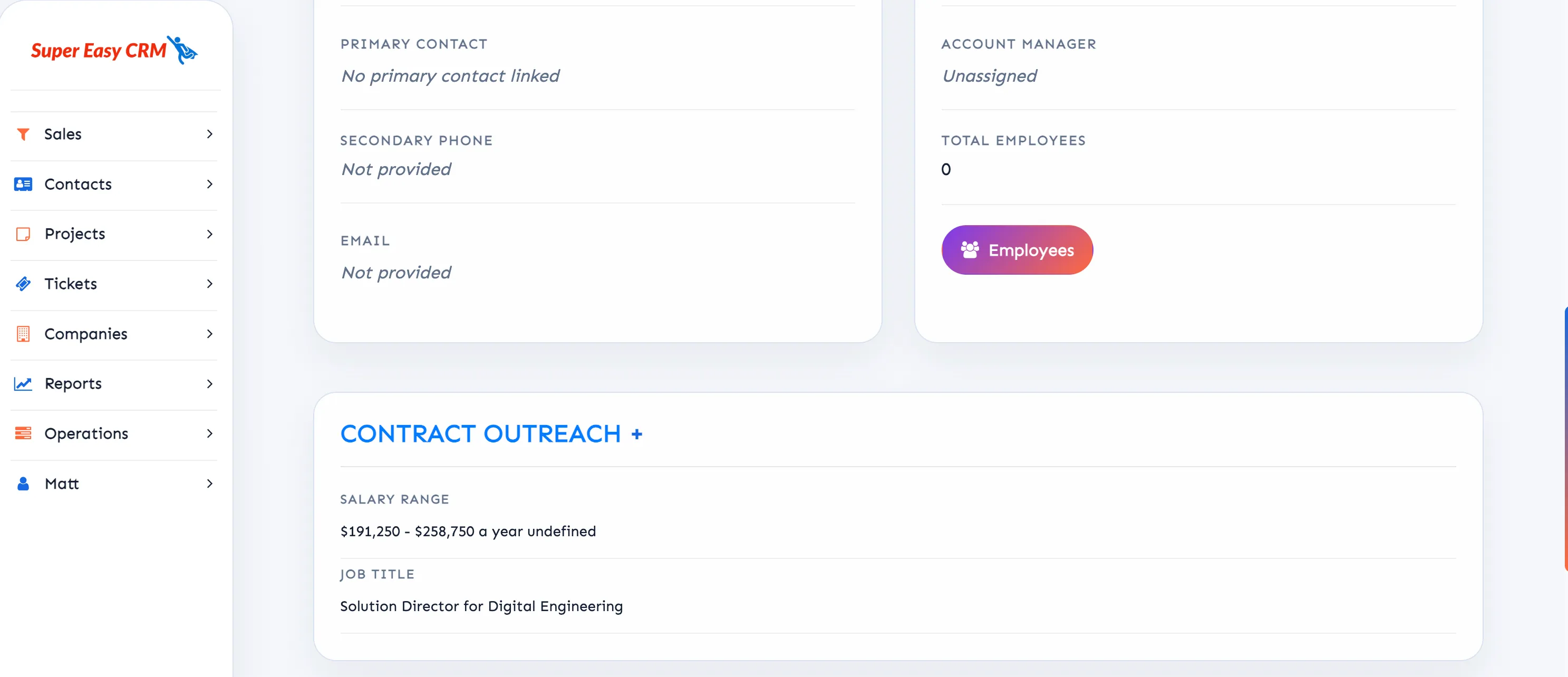
These fields aren't just for you to glance at either. I've written before about the n8n flow that scrapes a daily job digest out of Gmail, splits it into individual listings, and scores each one with Gemini before anything hits my CRM. Title and description feed the scoring comparison, date posted tells you if you're looking at something fresh or something that's been sitting for weeks, and salary range filters out what was never worth your time. Fill these in by hand if you want, but wired up to the automation, a company shows up already scored before you've opened your laptop.
The AI Scoring Section Ranks Your Pipeline For You
That same scoring logic shows up somewhere else too. If you're running what I call the mattflows config, a preset version of the Companies object with the fields and layout I've already built out and share through my content, there's a scoring section added right to the object. It's an AI score comparing the posting against your actual skills and experience, same comparison the automation makes, just living inside the object so you can sort your whole pipeline by it. Instead of reading through postings hoping one's worth your time, you work down a list that's already ranked.
Bill Your Clients Where You Store Their Info
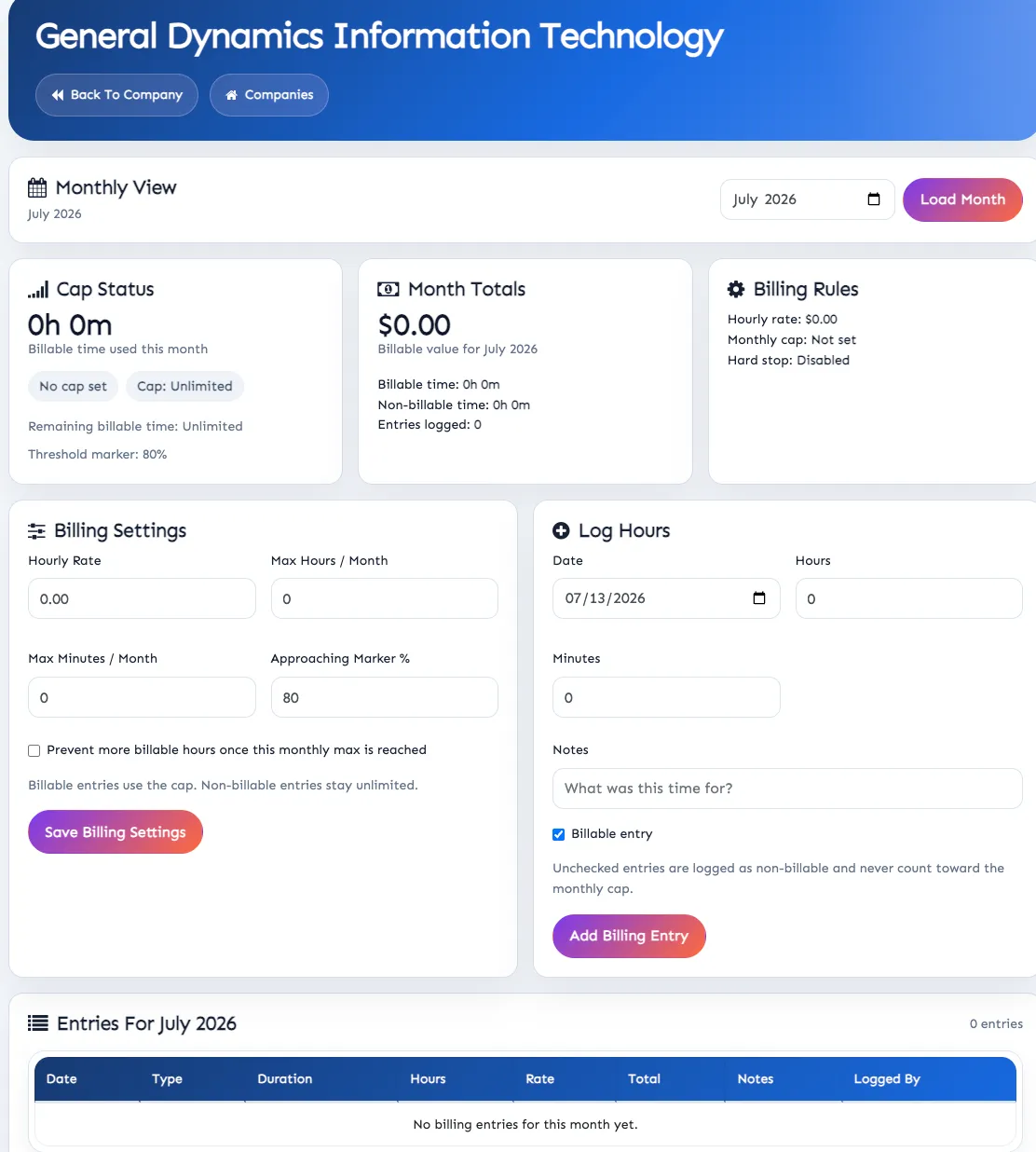
Scoring gets you into a role, but if you're doing contract work instead of chasing a W2, there's a billing component attached to each company record too. Screenshots below show the layout. It holds:
- RateYour billing rate for that specific client
- CapA max hours per month cap
- AlertThreshold flags that trip as you approach that cap
The same record that told you what the role paid and how it scored against your skills is now tracking what you're actually invoicing. This eliminates the need to rely on a separate spreadsheet or pay for a new tool.
Grab the LinkedIn Record If You Can
Add the company's LinkedIn page to the record. A job posting tells you what a role pays, LinkedIn tells you a couple things:
- If they are growing
- If they're the weird type that refers to employees as "family"
- If the job posting was also added there
Number 3 is a good way to see if the posting was real.
Don't Tear It Down Once You Land Something
Most people build a pipeline, get an offer, and delete the whole thing like the search has an end date. However, the market keeps moving whether you're watching or not, and if the gig you land turns toxic in six months, you want a pipeline of scored, current opportunities already sitting there instead of starting from nothing. Keep it running and being done with a bad situation is a login away from a list that already fits what you do.
What Your Robot Recruitment Army Will Cost
The CRM subscription and the automation are two separate bills.
CRM subscription
Your flat monthly cost for the platform. Skip the automation entirely and the Companies object still works fine with manual entry, you just lose the auto scoring and the hands off intake.
n8n + Gemini automation
The part actually pulling job postings out of Gmail and scoring them. Ten listings a day doesn't require much token usage, and hosting runs a few dollars a month.
Realistically the automation piece costs a handful of dollars at the high end, nothing close to an enterprise number. A few dollars a month buys back a lot of hours you'd otherwise spend combing job boards yourself, and it's a lot cheaper than another six rounds ending in silence.
