How to Get Your Whole Company Into the CRM
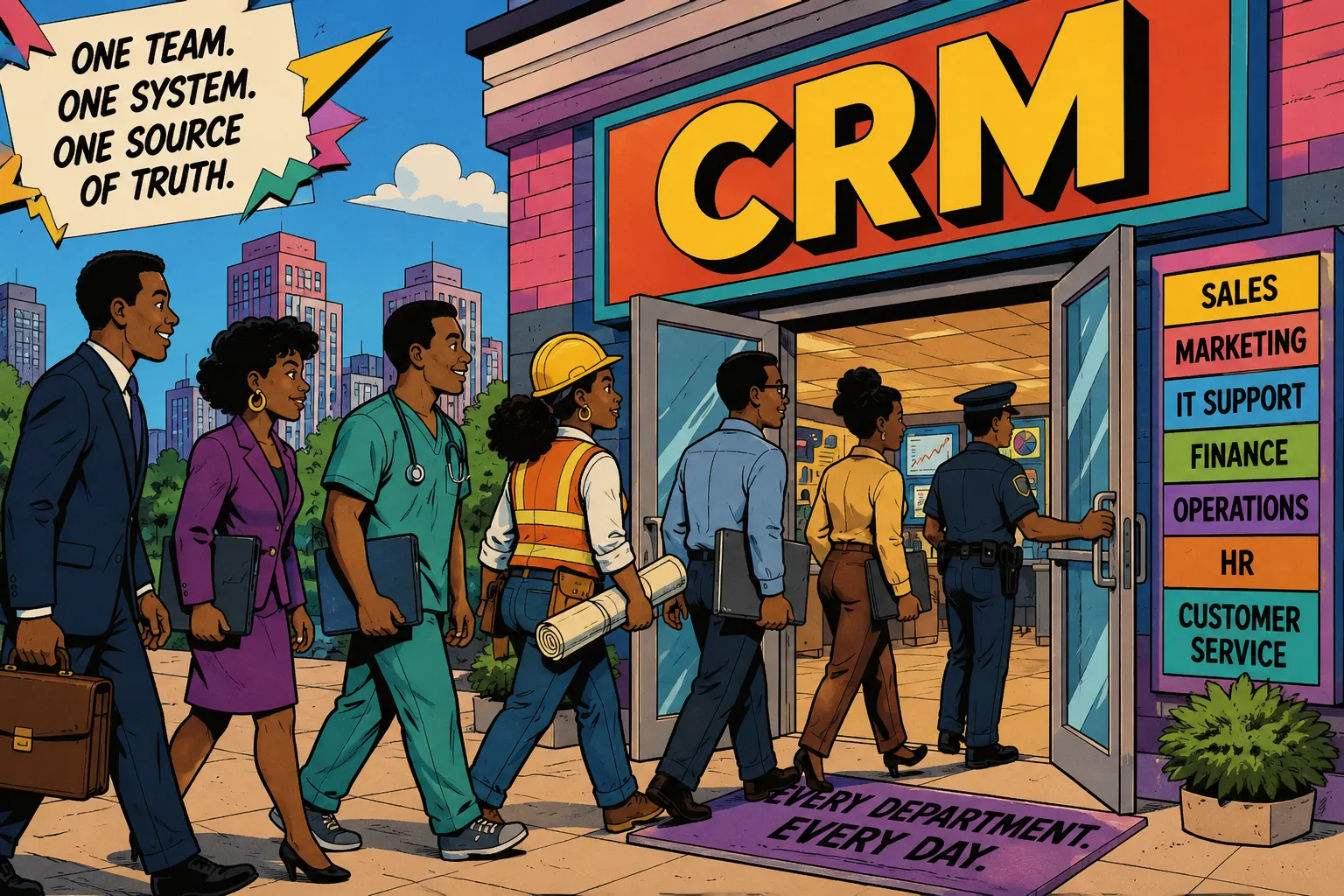
Your newly implemented, pricey CRM gets handed to the sales people on day one, and somewhere along the way everybody else in the org just assumes it was a tool never meant for their use. The engineers and IT teams still pop open Jira, the project manager is still slumming it in a spreadsheet, payroll is chasing timesheets from contractors through email, and your cybersecurity team is maintaining their own audit trails. Meanwhile, the beautiful CRM is just sitting there, oozing potential with its unused objects, empty modules, nigh infinite customization capabilities.
Here's how you can make your CRM everybody's favorite tool:
| Department | CRM Use Case |
|---|---|
| Sales | Pipeline, accounts, and contact management |
| IT / Help Desk | Support ticketing with SLA automation and deprovisioning |
| Project Management | Task boards, dependencies, budgets, and milestone tracking |
| Payroll | Contractor time tracking routed directly from project records |
| Cybersecurity / Compliance | Audit logs, permission sets, and offboarding timelines |
| Leadership | Cross-department dashboards from a single data layer |
Every row in that table represents a team that is currently solving its problem somewhere else. The data sprawl problem is evergrowing in this scenrio, but fear not, this post is about bringing them into the same system, using existing functionality that most CRM have at no additional cost.
Why Most CRM Adoptions Fail
Most CRM projects stall because only one department or sometimes a single user, actually receives value from the system while everyone else is expected to feed it data. Sales is the normally the main beneficiary, getting custom pipelines, integrations to things like Linked, dashboards, and other cool productivity tools. IT, on the other hand, might logs calls they do not care about. The ops people updates fields nobody told them mattered. And then after a few months, the CRM becomes a system that people update under duress and nobody trusts. This isn't necessarily a data quality problem, its more of a system design issue. If you have been wondering why no one trusts your CRM, this is usually where the answer lives. When every department has a valid reason to open the CRM before they open email, or to consult it before taking action on deliverable, adoption takes care of itself 99.9% of the time.
IT Does Not Need a Separate Ticketing System Especially for Smaller Teams
Most IT teams default to something like Jira for internal support, which is a reasonable choice for some teams, but it isn't your only option. This is especially true if you're running a smaller IT team of say less than 10 people. The main problem is that Jira has no idea who your customers are. It does not know which account a user belongs to, what their contract history looks like, or whether the issue they are reporting is the third one this month from the same team. The CRM knows all of that.
I set this up for an insurance firm where IT was running support through Jira while all the member and employee data lived in the CRM. Every ticket was missing context that sat about three systems away (which may have well been in another dimension). We moved ticketing into the CRM and built the ticket object to bind each record to both the submitting user and the related customer. Suddenly the support queue had context Jira could never provide on its own. Getting the right ticket types configured was a big part of what made the whole thing work — without that structure, you end up with a support queue that is just as messy as the inbox it replaced.
Because the insurance company was running on-premise, we had access to aftersave logic hooks, which made the SLA configuration genuinely powerful. When a ticket was created, the hook fired, evaluated priority and ticket type, set the appropriate SLA window, and triggered an n8n workflow in the background. That workflow handled account deprovisioning through Active Directory and Entra ID automatically when a departure ticket came through. No manual handoff, no waiting for someone to remember to pull access.
Build your IT support queue inside the CRM instead of a standalone tool. Bind tickets to the submitting user and the customer record if applicable. Use automation to handle SLAs and downstream actions like account deprovisioning. On hosted platforms this works through workflow rules and webhooks. On on-prem, logic hooks give you even more leverage.
Your CRM Already Has the Bones of a Project Tool
Most CRM platforms ship with a Tasks or Activities module that never gets used beyond logging a follow-up call. With some configuration, those same objects can become a real project management layer. I have built this out using the PMBOK as the structural foundation with agile methods layered on top: drag-and-drop task boards, task dependencies that block downstream work until prerequisites are complete, budget tracking against the project record, and milestone views that leadership can actually read without a briefing.
In Super Easy CRM this is built in. In platforms like SuiteCRM, vTiger, SugarCRM, and Salesforce, the path is configuration and customization, but the raw material is already there. You are not starting from scratch. You are giving unused objects new life, which is a different conversation than buying another tool.
There is also a benefit here that applies to every user in the organization, not just the project team. When tasks live in the CRM, people finally have one place to manage their daily workload that is not their inbox. Email is a terrible task manager. Things get buried, deadlines get missed, and there is no visibility into what anyone else is working on. A task layer inside the CRM changes that. For managers of any discipline, that visibility becomes genuinely useful: you can see workload distribution across your team at a glance, spot where work is piling up before it becomes a problem, and do real capacity planning instead of guessing. Whether you are running an IT queue, a project portfolio, or a sales team, knowing who has bandwidth and who is already buried is information that most managers are currently getting too late.
Extend your existing task objects into a project layer. Add drag-and-drop views, task dependencies, and budget fields. Use workflow automation to handle status transitions and milestone notifications. Build workload views that let managers see task distribution across their team and identify bottlenecks before they affect delivery. Audit what modules you already have access to before adding another subscription.
Executives Want the Dashboard. Build It for Them.
One of the underrated benefits of centralizing more of the business inside the CRM is that reporting gets dramatically better. When IT tickets, project status, customer activity, and revenue data all live in the same system, you can build dashboards that actually tell the story of the business instead of forcing someone to pull from four tools and stitch it together in a spreadsheet before the Monday meeting.
Leadership does not need access to every module. They need a clean view that surfaces the metrics they care about without requiring them to dig. Pipeline health, open support tickets by priority, project budget variance, contractor hours this month, accounts with no activity in 90 days. All of that is achievable from a single data layer when the CRM is set up to hold it. The ROI conversation also gets easier: when leadership can see the CRM driving value across IT, project delivery, and customer management simultaneously, the cost per seat looks very different.
Audit Logs Are Not Optional, and Your CRM Probably Already Has Them
Most enterprise CRM platforms generate detailed audit logs that nobody ever looks at until something bad happens, like an unexpected audit or a security incident. Every record access, every field change, every login and export gets written somewhere IF you enable audit logging in most platforms. Cybersecurity teams can work directly from those logs to track who accessed what data, how much is stored and where, which permission sets are active, and whether offboarding is happening within an acceptable time window after a departure.
That last one matters more than most people realize. The gap between when someone leaves and when their access is actually removed is one of the more common vectors for data exposure, and it is almost always a process failure rather than a technical one. When IT runs departure tickets inside the CRM and those tickets trigger automated deprovisioning through Entra ID, that gap closes. The audit log shows when the ticket was created, when the automation fired, and when access was removed. That is a compliance trail that would otherwise require manual documentation from three separate systems.
Work with your security team to identify what audit data your CRM already captures. Build views that surface access events, permission changes, and offboarding timelines. Close the loop between HR departure events, IT ticket creation, and automated deprovisioning so the trail is complete and timestamped without manual intervention.
Log Hours on the Project. Route Them to Payroll Automatically.
If you have contractors working on projects tracked in the CRM, the next step is letting them log hours directly on the project record. A custom timesheet object attached to the project is not a heavy build. You add the relevant fields, connect it to the project and the contractor's contact record, and you have a structured log of hours that lives in context, next to the work it describes.
From there the automation is straightforward. When a timesheet record is submitted, a workflow fires and routes the data to whoever handles payroll. This can be a simple notification, a webhook to a payroll system (ideal), or an export formatted for accounting. The hours never have to travel through email or a separate time-tracking tool to get where they are going. Contractors also get a single place to see project status, their open hours, and their submission history, which cuts down the reconciliation back-and-forth considerably.
Build a lightweight timesheet object inside the CRM and attach it to your project records. Give contractors the ability to log hours directly against the work. Use CRM automation to route completed timesheets to payroll without manual handoffs. If the project management layer is already there, the timesheet object is a natural extension of it.
Give Every Department a Reason to Open Your CRM
Every department covered here is running some version of the same problem: they have context that belongs in the CRM but they are not operating inside it, so that context never combines with anyone else's. This is exactly how information silos form. IT does not see customer history and the project managers / ops teams do not see what sales committed to. Payroll does not see project status all while leadership does not have a single view of any of it.
Making the CRM the source of truth is not strictly a data hygiene project but org design decision. If you want a practical starting point for making your CRM more trustworthy across the board, that is a good place to start before expanding to additional departments. Most of the infrastructure to support it is already there on whatever platform you are currently running. The question is whether anyone has taken the time to configure it for the teams that need it.
Two Cautinary Tales Before I Let You Go
One word of caution before you start expanding to every department: make sure the application can handle it. This applies to on-premise deployments especially, but cloud is not immune either. The moment the CRM is slow or unavailable, you lose credibility with the entire org at once, not just the sales team. And it will take a while to win it back. If you are running on-prem, make sure the server has the resources it needs — memory, storage, cpu power — before you start routing IT tickets, timesheets, and project work through it on top of everything else. On cloud, understand your plan limits and monitor performance as you grow. A CRM that half the company relies on needs to be treated like the infrastructure it is.
The second caution is governance over custom fields.
Once everybody gets wind that they can customize the CRM, you will end up with email_2nd, second_email, and e_mail_for_client all living on the same record doing the same thing.
Multiply that across every department that just got access and the instance bloats fast. Keep the DRY principle in mind — don't repeat yourself — and reuse existing fields and components before creating new ones.
When a field already exists, just use it, no need to over-engineer simply because you can. And when a layout already covers a use case, extend it rather than duplicating it.
Employ role-based views wherever possible so each department sees a clean, relevant interface without the clutter that belongs to someone else's workflow. A lean, well-governed instance is a lot easier to trust than one where nobody is sure which email field is the right one.
If your employees only open the CRM when management tells them to, adoption will always be a struggle. The goal is to give every department a reason to open it before they evenopen their email.
In Super Easy CRM, the ticketing, project management, and automation layers described here are built in from the start. Otto (the AI Agent that I've uploaded my subconcious to) can also surface patterns across departments automatically, so leadership gets visibility without anyone having to build a custom report. If you want to see how it fits together, take a look at the platform yourself.

Posted by: Matt Irving on 06/14/2026