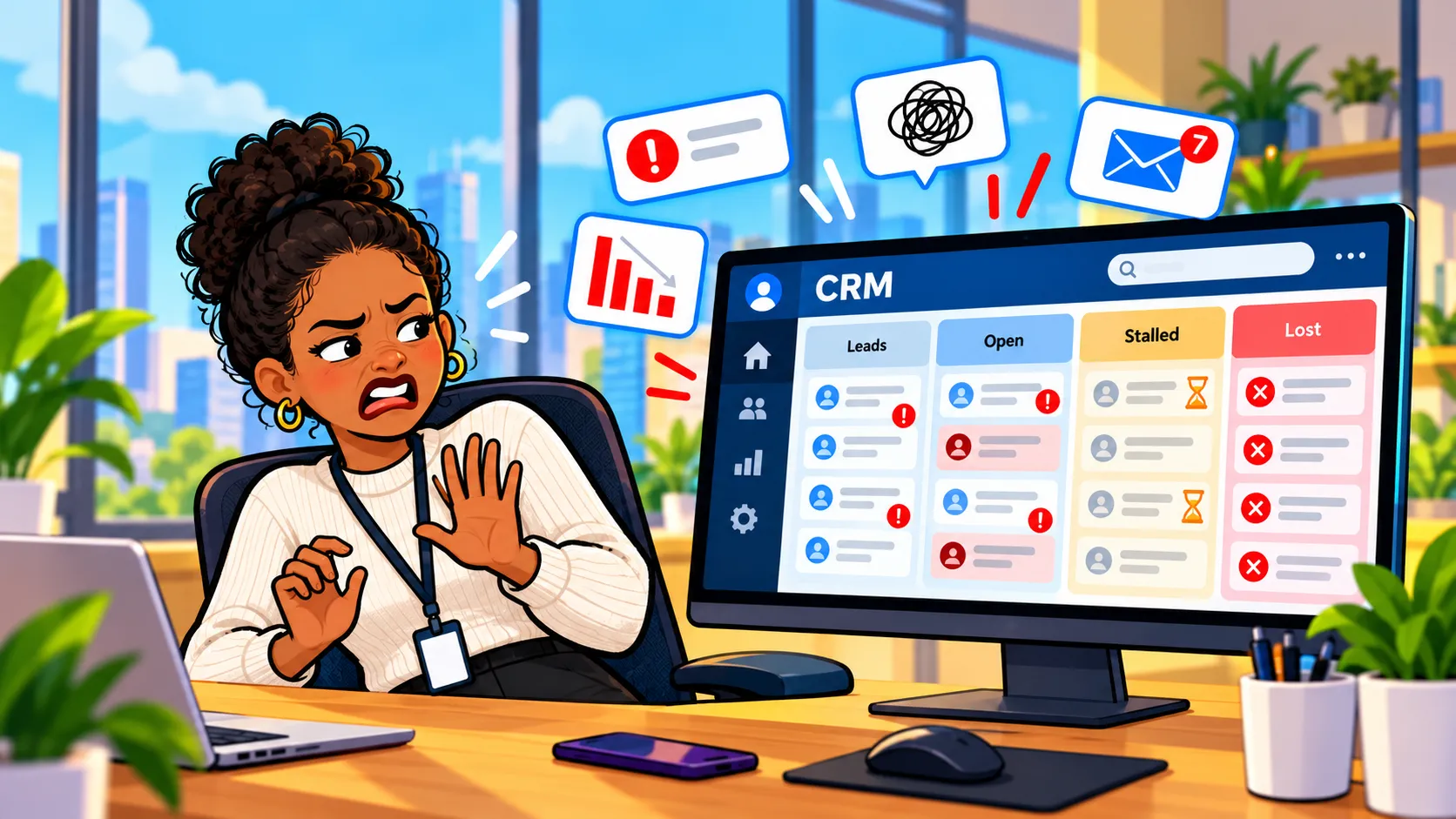
Most CRM pipelines are bloated, and salespeople are right to hate them, which is a funny thing to admit as the guy who gets paid to build these things.
In 10 years of setting up CRM systems, I've walked into plenty of orgs where the sales team treats the CRM like a parking ticket, something you deal with because you have to and not because it ever did anything for you. After enough of those conversations, I stopped blaming the reps and started blaming the way these systems get set up.
Why Do Sales Reps Hate Their CRM?
It isn't because reps are lazy. They hate their CRM because it eats hours of their week in data entry and gives them almost nothing back in return.
If you spend some time reading what reps say in sales and RevOps communities online, you'll see the same complaints show up over and over:
- Required fields everywhere: every record and every stage wants another dropdown filled in, and most of them never get read by anyone.
- Stage gates that block the deal: you can't move an opportunity forward until the form is complete, even when the customer has already said yes.
- Activity logging that feels like a time card: every call, email, and meeting has to be logged, mostly so it can show up on somebody else's report.
- No payoff for the person doing the work: the rep types it all in and the manager gets the dashboard.
The numbers back it up, too. Salesforce's own State of Sales research found reps spend roughly 28% of their week actually selling, and the Sales Management Association put manual activity reporting at close to six hours a week. That's basically a six-hour weekly logging tax, or most of a Friday spent telling the system what you did instead of going out and doing more of it.
How Stage Gates Create Shadow Spreadsheets
When you force reps into a CRM they don't trust, they'll comply on paper while keeping the real information somewhere else.
One survey found that while most companies require a CRM, 78% of salespeople admit they just check the boxes. The RevOps crowd talks about what happens next all the time: once the CRM starts feeling like surveillance, reps quietly build a shadow spreadsheet and keep the good stuff there. Now the company has a pipeline full of junk data, the rep has a second system nobody else can see, and everybody ends up frustrated.
The mistake I see teams make over and over is reacting to bad data by adding even more required fields, which doesn't fix the data at all and just makes that spreadsheet look even better by comparison.
Who Are CRM Pipelines Actually Built For?
Most pipelines are built for managers and forecasts rather than the person actually selling, and that's not something anyone in a CRM demo is going to tell you.
It usually happens one reasonable request at a time. Someone in leadership wants a forecast, so they add a stage, and then they want to know why deals stall, so "Loss Reason" becomes required. Marketing wants attribution, so now there's a lead source picklist with 40 options, and finance wants a probability percentage on every deal on top of that. Fast forward two years and your rep needs a dozen clicks just to log one phone call.
Real World Example: 35 "required" fields
The worst one I've seen had 35 "required" fields, and I don't mean required in the sense that the form wouldn't save without them, I mean required in the sense that the forecast needed them. Without giving away who the client was, these were fields capturing things like how long it had been since an FDA application and what types of patents had been applied for in the past, which might have been useful to whoever was building the forecast model but was completely meaningless to a rep trying to get a meeting on the calendar.
Every one of those fields made sense to whoever asked for it, but not one of them helped the rep close anything. Software should simplify the work, not create homework, and this is about as close to homework as it gets.
Why Older Salespeople Resist CRM Adoption
Veteran reps aren't holding out because they're afraid of technology. They looked at what the pipeline asks of them, compared it to how they actually close deals, and decided it wasn't worth the trouble.
This is a big reason a lot of the older sales guys never bought in, and I don't think they get enough credit for it. Plenty of them were closing deals before Salesforce even existed, and they figured out a long time ago what actually moves a deal. So when you show them a nine-stage pipeline with probability percentages and mandatory next steps, what they hear is "here's a pile of homework that has nothing to do with how you got good at this."
They're not wrong, either, and every time a company forces a rollout on them with a "use it or else" memo, it just confirms what they already suspected, which is that this thing is for the boss and not for them.
Real World ExampleCan You Close Big Deals Without a CRM Pipeline?
Absolutely. One of the best salespeople I've ever been around closed multiple six figure deals on a regular basis with nothing but his inbox and a stack of composition notebooks.
He was an older guy, and those black and white marbled notebooks you used to buy for school were his entire system, with no pipeline or dashboard anywhere in sight. Whenever I'd tell him the main benefit of the cloud was that his info would be backed up and always accessible, he'd give me the same line every time:
"I don't live in the cloud, I'm happy on the ground with my notebook."
He outsold people who had every tool in the stack, and it wasn't even close. When I really paid attention to why, it came down to two things:
- He was more charismatic. People liked talking to him and actually wanted to take his call, and you can't buy that in a software license or configure it in a page layout.
- He was more connected. He knew everybody, and more importantly, everybody knew him, so the referrals found him on their own. A pipeline can tell you a deal is sitting in "Proposal Sent," but it can't get you invited to the dinner where the deal actually gets decided.
Those notebooks were his CRM, and they worked precisely because they held what mattered to him and nothing else.
How Do You Use a CRM to Build Real Relationships?
Log the personal details that make people feel remembered, not just the deal stage, because that's what a relationship actually runs on.
If you go back to what CRM stands for, customer relationship management, the whole premise is nurturing relationships. So how do you build a relationship in real life? It certainly isn't by dragging a card from one column to the next, but through personal experiences with people that feel genuine.
I use my CRM to log the important stuff about the people I meet, so if a guy tells me his kid plays football, I log the position and the jersey number. That isn't data for a forecast. It's something we have in common, and it's a differentiator, because nobody else he's dealing with bothered to remember it.
I know the guys at Salesforce don't care about the number of tackles my client's son got this season, but I certainly do, and it's something I'll always remember when I pull up his contact record or bump into him at a networking event. Asking "How'd the season wrap up? Did they make the playoffs?" lands a whole lot differently than "just circling back on that proposal." None of that works if the details never make it out of your head, which is why I'm big on getting those business cards into your CRM right after a networking event while the conversation is still fresh.
What Should a Simple CRM for Salespeople Actually Do?
A good CRM for salespeople should hold onto your contacts and notes and quietly turn your follow ups into tasks without making you jump through hoops, which is exactly what I designed Super Easy CRM to do.
It's meant to be the perfect companion for the notebook guys, the people who are great at selling and just want to keep doing it.
In practice, you enter your contacts and your notes, and that's your part. Then someone like me sets up automations in the background that turn your follow ups into simple tasks, and you get reminded as much or as little as you'd like, whether that's a daily nudge, a weekly list, or only when something is actually due. There are no stage gates and no wall of required fields standing between you and saving a note about a guy's kid.
If you want a pipeline down the road, great, you can have one, but it should be something you choose because it helps you, not a toll booth you have to pay every time you talk to a customer. And if you're the owner trying to get a reluctant team on board, I wrote about how to get your whole company into the CRM without starting a mutiny. If your crew responds better to a little friendly competition, I also built a game to boost CRM adoption that works with whatever CRM you already have.
Will AI Replace Relationship Selling?
No matter how advanced AI gets, most people still want to do business with someone they know and like, and I don't see that changing anytime soon.
Trust me, AI can write a decent follow up email, but it's never going to be the one sitting next to a client in the bleachers at their kid's game, and that's where a lot of real business actually gets done. Many of my own deals have come from past coworkers and the referrals they sent my way. Former teammates, classmates, and neighbors are often more likely to grant you your next big deal than the best cold email you'll ever write.
Your CRM should always be the tool that helps you close deals with those people without tripping over an overcomplicated pipeline to get there. Keep it simple and log what actually matters, then let the system handle the reminders, because the relationship part is still on you, and honestly, that's the best part of the job.
