Prototype, Standardize, Audit, and Train: A Simple CRM Data Management Framework

Chances are if you've invested in a CRM platform like HubSpot, Super Easy CRM, or Salesforce, you've dumped money, time, and intellectual capital into making it the source of truth for your business. However, pumping a ton of data into a system doesn't make it useful unless that data is managed and maintained properly.
Given how extensible and easily customizable many CRM systems are, you will inevitably end up with some areas of the application that are over engineered and as a result underperform. To help my clients manage their data better, I follow four simple steps that I'll outline below.
Prototype: Define what the perfect record from each object looks like
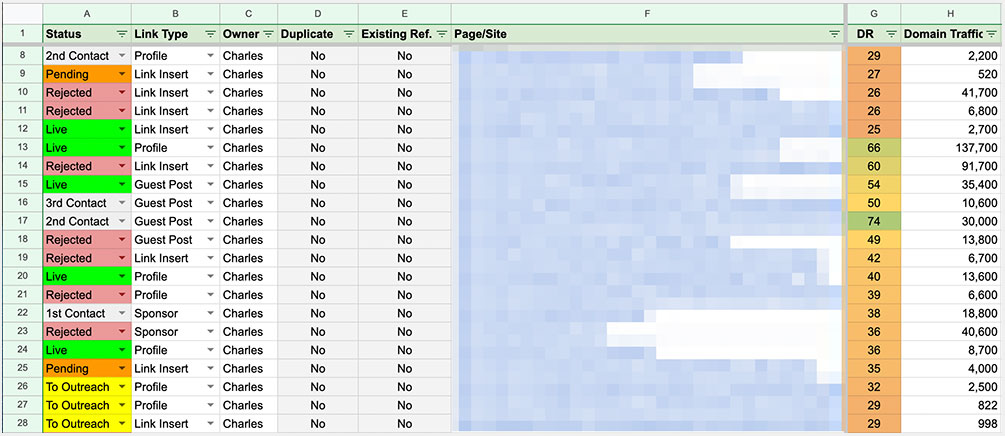
You don't know what bad data looks like until you know what good data looks like. This definition varies from org to org and can change as your business grows and adapts to changes. To help come up with the perfect record prototype follow these guidelines.
Define what you can't live without: These are the fields that are absolutely necessary to proceed. An example might be an email or phone number for a contact record.
Define your situationally important items: These are fields that are important under the right circumstances. If your CRM allows for conditional dependencies, this is the perfect use case for it.
Define your nice-to-haves: These are the attributes that are good to have but not necessary to proceed. Alternate emails and lead origins are good examples.
Here's what an ideal backlink record looks like for SEO for my blog/browser based game Fantasy Brawls.
Website Name (required)
Webmaster Name
Webmaster Email (required)
Domain Name (required)
Page Link (required)
Anchor Text (required)
DR (required)
Paid Link
Cost Per Link (required if Paid Link is True)
Link Acquired
Placement Length (required if Link Acquired is True)
Active (required if Linked Acquired is True)
Standardize before you Automatize: Don't automate messy processes
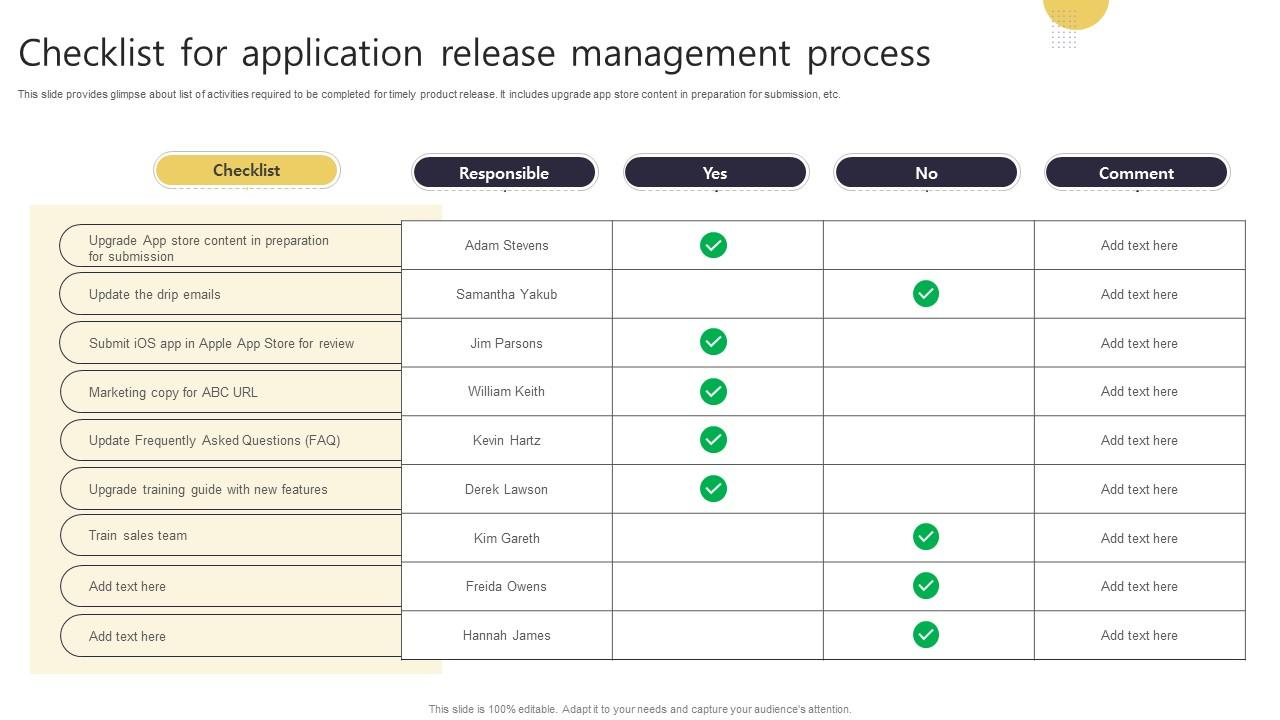
Automation without standardization is just a faster way to be wrong. You've got to clean your house before opening the door to let the robots run wild. Take some time before diving into CRM data overhaul to create job aids for the team and build solid, readable and skimmable, standard operating procedures. These are really boring and tedious tasks but they are made easier with tools like Scribe.
To help get you started here's a sample SOP I use for deploying new features for Super Easy CRM.
Sample SOP: Deploying New Features
Prepare the Change
Confirm the change solves a defined problem.
Verify the work is complete and tested.
Confirm any data impacts are understood.
Rule: No testing, no deployment.
Protect the Data
Take a current system backup.
Verify the backup can be restored if needed.
Confirm rollback steps before proceeding.
Rule: If rollback is unclear, deployment is paused.
Deploy in a Controlled Way
Deploy changes as a single, traceable release.
Apply changes in the same order every time.
Avoid manual edits during deployment.
Rule: Repeatable beats fast.
Verify Core Functions
Confirm users can log in.
Confirm records can be created and updated.
Confirm key workflows still run as expected.
Rule: If core flows fail, rollback immediately.
Monitor and Close
Watch logs and system health for a short window.
Confirm no new errors are introduced.
Document what changed and when.
Rule: Every deployment leaves a paper trail.
Audit like the IRS: Trust but verify
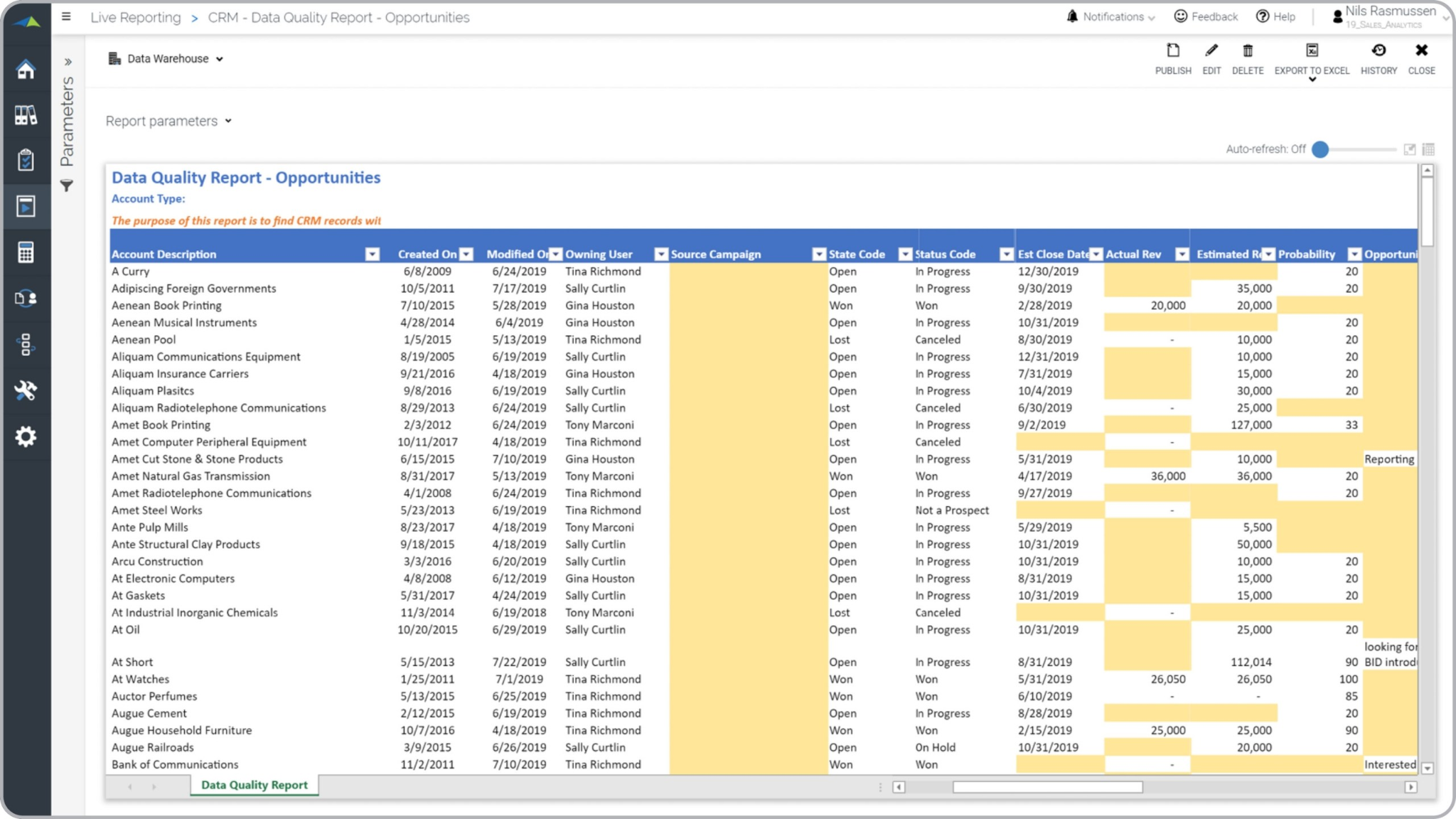
Anomaly identification is vital to maintaining clean data in your CRM and elsewhere. Trust that your users are doing their best to enter data correctly but verify that they've done so appropriately. Likewise, you should trust your CRM vendors' built-in validators are working as described but you should verify this via data audits.
Train and re-train your users
Ensuring users are competent in the CRM and that their practical job needs are met is one of the most important aspects of CRM data management. No amount of controls, validations, or safeguards can fully prevent users from entering bad data if they don't understand how the system is meant to be used.
CRM training should take place during initial onboarding and after any major release, with additional refreshers scheduled throughout the year as needed. Because most users interact with the CRM only within the scope of their role, training should be tailored accordingly. Teaching users features they will never touch wastes time and reduces engagement.
For example, a marketing team will likely never use a technical support SLA module. Focus training on the workflows and data entry requirements relevant to each role, and you will see smoother CRM adoption, higher data quality, and far better long-term outcomes.
How To Implement the Prototype, Standardize, Audit, and Train Process
Here are two tech stacks that can help you implement the four steps of CRM data management. The cheapest is listed first with the more expensive one second. Keep in mind that the price will vary depending on your current ecosystem. I'm pretty heavily invested into Google Workspace but I've included things for you Microsoft users as well.
Cheapest Option
| Tool Category | Example Tools | Primary Function |
|---|---|---|
| Spreadsheets | Excel or Google Sheets | Prototype data rules, required fields, and validation logic |
| Shared Docs | Google Docs, Notion, or SharePoint | Standardize data definitions, SOPs, and ownership |
| Simple Database or Exports | CRM exports, CSV files | Audit data quality and identify anomalies |
| BI or Spreadsheet Reports | Excel, Google Sheets | Audit trends, duplicates, and missing data |
| Internal Knowledge Base | Notion, SharePoint, or Docs | Train users with role-based documentation |
| Short Live Sessions | Internal meetings or recordings | Train users during onboarding and releases |
More Expensive Stack
| Tool Category | Example Tools | Primary Function |
|---|---|---|
| Staging Database or Warehouse | SQL database or data warehouse | Prototype and test data rules safely |
| Transformation Layer | dbt or similar tools | Standardize data definitions and logic as code |
| Data Quality Framework | Great Expectations or dbt tests | Audit data continuously and automatically |
| Scheduler / Orchestration | Airflow, Prefect, or managed jobs | Audit on a recurring, automated basis |
| BI Platform | Power BI, Tableau, or Looker | Audit data health and trends over time |
| Learning Platform | LMS or internal portal | Train users with structured, role-based training |
| Release-Based Training | Recorded walkthroughs per release | Train users after changes and updates |
Four Steps To Better Managed Data
By prototyping, standardizing, auditing, and training, you'll create a framework for your organization that better establishes your CRM as the most reliable source of information in your organization. If you're looking for more tools to help get your CRM in fighting shape, my site is jam packed with all sorts of free apps to help you get there. If you're struggling with dirty CRM data, try the Free Data Cleansing Tool.
It's a browser based application that cleans your data based on criteria that you specify via the simple, intuitive web interface. And, if your CRM is squeaky clean but riddled with duplicate data, use the Free Smart Deduplication tool to remove duplicates using custom logic that you define. And, if you ever get stuck with anything on your CRM or want to work together, I'm only ever a DM away on LinkedIn.

Posted by: Matt Irving on 12/23/2025