How to Track Customer Complaints in Your CRM (So They Stop Getting Buried in Notes)
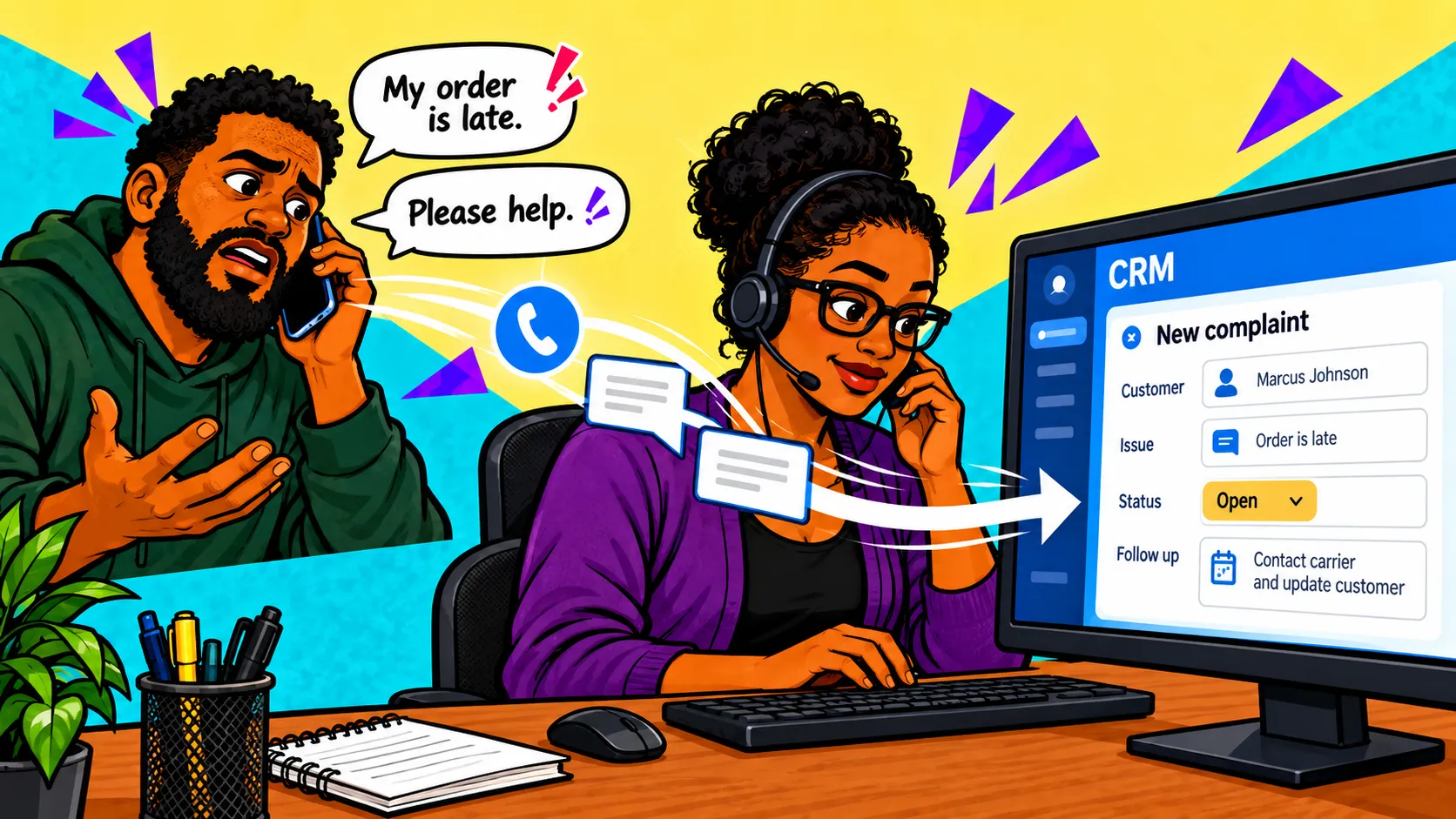
Your CRM is the main place to go to if you want insight into what your customers think of your business. Google reviews are useful, but it's what customers say on the phone with agents or in person that really defines their experience with your company. That's why it's vital that complaints are not logged in the general note pool on a contact. These will most certainly get buried with other events and never see the light of day.
Additionally, if you ever want to run analytics on why a certain product or service is getting less traction, you'll have to parse notes or rely on your customer service agent's memory. Both are terrible options, especially the latter. But there is a better way: use your CRM's native ticket functionality and create a Complaints module. Here's how you can set this up in Super Easy CRM and other platforms.
- Start with tickets
- Reporting, thresholds, and analytics
- Nobody likes complaints, but with the right CRM you can resolve them
Start with Tickets
Tickets in the IT realm are ways to document your issues and receive support. Applications glitching, printers not printing, and so on. On the IT management side, they are vital to pinpoint the areas in your infrastructure where additional support or resources are needed. This module can serve not only IT but operations as well by adding a couple of fields to the existing ticket and personalizing the view for your business needs. I went deeper on CRM ticket types and how they drive automation in a previous piece, so here I'll stick to the Complaint type.
Add the ticket type
The name can be whatever you choose, but for simplicity's sake, I normally just call it Complaint.
Define the types of Complaints
Here is where you add the types of complaints customers levy. It's important to make this a dropdown because the moment you let agents freestyle in this field, the data therein becomes useless. Here's what I use:
Then each of these types spawns other fields. For example, Module Defect spawns a list of modules (Products, Leads, Contacts, Workflows, etc.). This helps ensure we can pinpoint the exact cause of the customer's frustration and resolve it quicker.
Triage the complaint after it's defined
Once the CSR captures all the needed information (complaint type, impacted area, and description of the issue), it's time to route it to the appropriate team member. This eliminates the need for a CSR to remember to send an email. Instead, a complaint is placed in someone's queue, then they get a notice letting them know a complaint is ready for them to review.
Configure the workflow for customer follow-up
Nothing is worse than voicing a complaint and feeling unheard. If your customers complain about something, you fix it, and you don't let them know, then you've wasted an opportunity to build rapport with them. This is where the complaint workflow comes into play. Here's how mine works:
- Complaint is received and documented.
- Next, it hits the appropriate queue to be worked.
- If a resolution is reached, it's documented and sent to the resolution team.
- The resolution team receives the final review of the complaint, then engages in customer outreach. This is first attempted via phone call, then, whether the customer answers or not, a follow-up email is sent.
Reporting, Thresholds, and Analytics
Capturing all this data is great, but it's meaningless unless you can visualize and do something with it. But since every complaint now has a type and an impacted area attached to it, that part gets a whole lot easier. I start with a simple dashboard that counts complaints by type and by module, broken out by week. You'd be surprised how fast a pattern jumps out once it's on a chart instead of scattered across contact notes. If Login Issue complaints double the week after a release, that's not a coincidence, that's a bug.
From there, set thresholds. In Super Easy CRM I have a workflow that watches the complaint count for each type, and if one crosses a set number in a rolling seven-day window, it fires an alert to whoever owns that area. Nobody has to sit and stare at a dashboard waiting for something to break. The CRM taps them on the shoulder.
I also track how long complaints sit in each queue before they're resolved. If you're already estimating task completion time for your team, compare those estimates to what actually happens with complaints. A team that says a Module Defect takes two days to resolve but consistently takes nine either needs more hands or a better process. Either way, now you have the data to prove it instead of a hunch. When complaints live in their own module instead of the note pool, your CRM becomes the source of truth for how customers actually feel about your business, not just who they are and what they bought.
Nobody Likes Complaints, but with the Right CRM You Can Resolve Them
A tough phone call or complaint doesn't need to be the end of your business. It's rough, but if it's documented in your CRM, addressed, and properly followed up on, it can serve as a learning experience. Not only can it provide valuable insights into your product line and operations, but it can also help deepen the relationship between you and your customers. Being married for over a decade has taught me a few valuable lessons, but none more important than this: being heard is more important than being seen.

Posted by: Matt Irving on 09/27/2026